
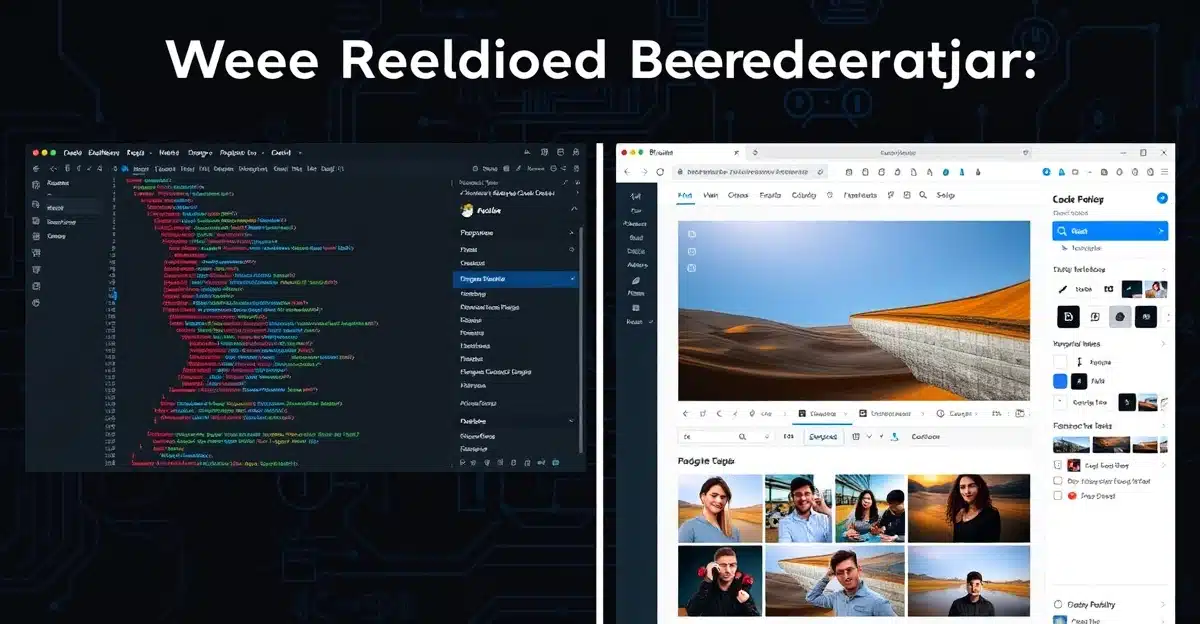
The WordPress Full Site Editing vs Elementor Pro comparison is one of the most searched topics among web professionals in 2026 — and for good reason. Both tools promise to give you total control over your WordPress site, but they approach the problem from completely different angles. Whether you’re building a new business site or upgrading an existing one, picking the wrong tool costs time and money. This guide breaks down the real differences so you can make the right call.
At Nuesion, we build sites with both tools daily. Here’s what we’ve learned.
What Is WordPress Full Site Editing?
WordPress Full Site Editing (FSE) is the native block-based design system built directly into WordPress core. Introduced progressively since WordPress 5.9, FSE reached maturity in 2024 and is now a stable, production-ready option in 2026.
FSE uses the Site Editor — accessible under Appearance > Editor — to let you build and modify every part of your site using blocks. That means headers, footers, page templates, archive layouts, and individual posts are all editable without touching a line of code or installing a third-party builder.
Key features of WordPress FSE:
- Built into WordPress core — no plugin required
- Global Styles panel for site-wide fonts, colors, and spacing
- Template Parts (header, footer, sidebar) reusable across pages
- Block Patterns — pre-designed sections you can insert and customize
- Zero plugin bloat — just Gutenberg and your theme
FSE requires a block-based theme. Popular options in 2026 include Twenty Twenty-Four, Kadence Blocks, and GeneratePress.
What Is Elementor Pro?
Elementor Pro is a premium drag-and-drop page builder plugin that has dominated the WordPress page builder space for nearly a decade. The Pro version (starting at $59/year for one site) unlocks advanced widgets, theme builder, popup builder, WooCommerce integration, and more.
Elementor works on top of almost any theme and renders its own layout system — meaning the layout is largely independent of your theme. For many agencies, this has been its biggest selling point: install it on any WordPress site and start designing visually without constraints.
Key features of Elementor Pro:
- Visual drag-and-drop with 100+ widgets
- Theme Builder for headers, footers, single post templates
- Popup Builder — lead capture forms, exit intent
- Dynamic content integration (ACF, custom fields)
- WooCommerce Builder for product pages
- Motion effects and scroll-triggered animations
Feature-by-Feature Comparison
Let’s put the WordPress Full Site Editing vs Elementor Pro comparison side by side on the factors that matter most.
Design Flexibility
Elementor Pro wins here — for now. Elementor’s widget library, motion effects, and responsive controls are more mature than what Gutenberg blocks offer natively in 2026. You can achieve nearly any layout with fine-grained control over spacing, typography, and responsive behavior. FSE’s block system is improving fast but still lacks some advanced layout controls (custom CSS on individual blocks requires the Pro tier of some block plugins).
Performance & Site Speed
WordPress FSE wins clearly. Elementor Pro is known for generating heavy DOM structures and loading its own scripts and styles on every page — even when those elements aren’t used. Sites built with FSE and a lightweight block theme routinely score 90+ on Google PageSpeed without extra optimization work. Elementor sites can reach similar scores with aggressive caching and optimization plugins, but they require more effort.
SEO Performance
FSE has an edge. Cleaner HTML output, lighter DOM, and faster load times all contribute to better Core Web Vitals — which Google uses as a ranking signal. That said, Elementor Pro integrates well with RankMath and Yoast SEO, so the on-page SEO experience is comparable. The speed difference is where FSE pulls ahead in search rankings.
Learning Curve
Elementor Pro wins for beginners. The visual drag-and-drop interface is immediately intuitive for anyone who has used Canva or a similar tool. WordPress FSE with its block-based system is more abstract — you’re working with a structured template hierarchy that takes time to understand. For clients who want to edit their own content, Elementor’s editor is often easier to hand off.
Cost
WordPress FSE wins on cost. It’s free — included in every WordPress installation. Elementor Pro costs $59–$399/year depending on how many sites you need to cover. For agencies managing multiple client sites, this adds up fast. That said, for a single business website, $59/year is negligible if Elementor’s features better match your needs.
When to Choose WordPress FSE
WordPress Full Site Editing is the right choice when:
- Performance and Core Web Vitals are top priorities
- You’re building on a tight budget (no annual plugin fees)
- The site has a straightforward layout without complex popups or dynamic content
- You want a future-proof build that aligns with where WordPress is heading
- You’re comfortable with block-based design and don’t need heavy animation effects
When to Choose Elementor Pro
Elementor Pro is still the right call when:
- You need complex popup funnels, scroll effects, or animated sections
- The site involves WooCommerce with heavily customized product pages
- You’re handing off site editing to a non-technical client who needs an intuitive interface
- Dynamic content from Advanced Custom Fields (ACF) is central to the site
- You need Elementor’s established ecosystem of third-party add-ons (Essential Addons, Crocoblock, etc.)
Not sure which one fits your project? Talk to the Nuesion team — we’ll help you pick the right stack before you build.
The 2026 Verdict
The WordPress Full Site Editing vs Elementor Pro debate doesn’t have a universal winner — it depends on your project’s requirements. But the trend is clear: FSE is closing the gap fast, and for new projects that don’t require Elementor’s advanced widget set, FSE is often the smarter long-term choice.
For businesses prioritizing speed, SEO, and a clean codebase, WordPress FSE is the 2026 default. For agencies building complex, feature-rich sites with dynamic content and client-facing editors, Elementor Pro still earns its place.
At Nuesion, we build with both — and we match the tool to the project, not the other way around. If you’re planning a new website or a redesign, let’s map out the right approach together.
Ready to build? Contact Nuesion today and let’s get your project started.