
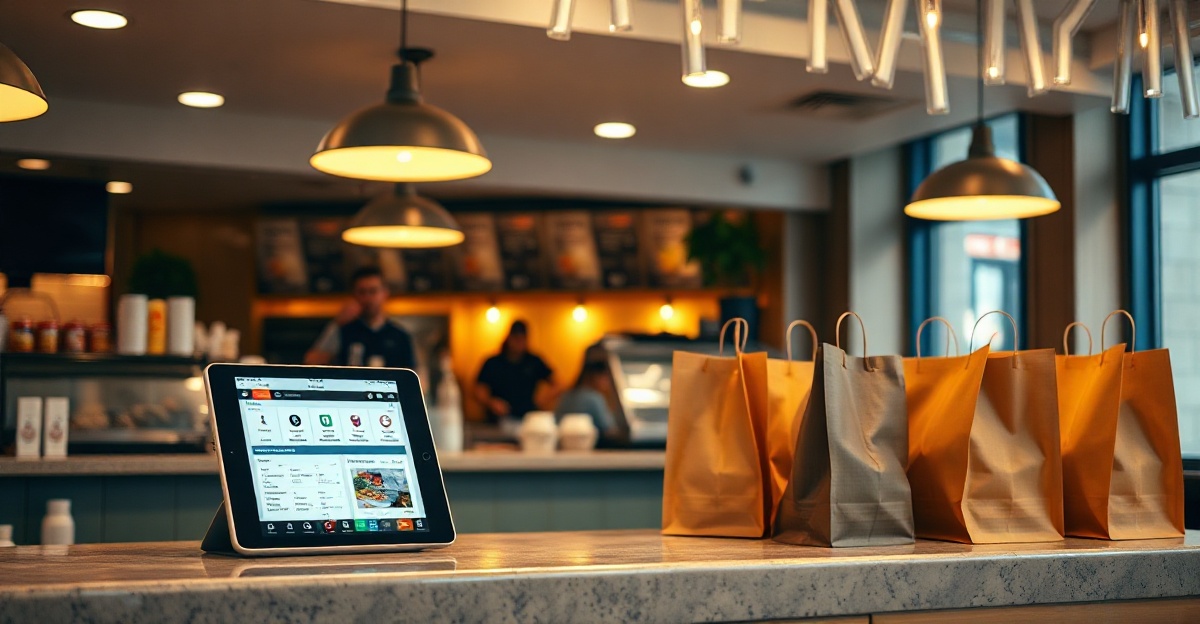
If you’re wondering how to take online orders for your restaurant, you’re asking the right question. In 2026, online ordering isn’t a luxury feature — it’s a baseline expectation. Customers want the convenience of browsing your menu, placing orders, and paying from their phones. If your restaurant doesn’t offer this option, you’re likely losing revenue to competitors who do.
For Houston restaurant owners, the shift to online ordering represents both a challenge and an opportunity. The good news? Setting up online ordering for your restaurant is more accessible than ever, whether you run a taco truck in East Downtown or a full-service Italian spot in the Heights.
Why Online Ordering Matters for Your Restaurant
The restaurant industry fundamentally changed after 2020. What started as a pandemic necessity became a permanent shift in customer behavior. Today’s diners expect to order online, and the data backs up why you should meet that expectation.
Online orders typically have 20-30% higher average ticket values compared to phone orders. Why? Customers browse at their own pace, see appealing photos, and add extras without feeling rushed. There’s no miscommunication about modifications, and upsells are built into the ordering flow.
In Houston’s competitive restaurant scene, online ordering is a differentiator. If a customer searches “Mexican food near me” and finds two comparable restaurants — but only one lets them order directly through the website — guess which one gets the business?
Choosing the Right Online Ordering System
The first decision you’ll face is whether to build direct online ordering into your own website or rely on third-party platforms like DoorDash, Uber Eats, and Grubhub.
Third-party platforms offer immediate reach and marketing power, but they come at a cost: commission fees typically range from 15-30% per order. For a $50 order, you might pay $7.50 to $15 in fees. Over time, that adds up.
Direct online ordering through your own website means you keep the full revenue, build your customer email list, and control the entire experience. The trade-off is that you need to drive traffic to your site through your own marketing efforts.
Most successful restaurants use a hybrid approach: maintain a presence on third-party platforms for discovery and convenience, while actively promoting direct ordering through your website to regular customers.
Direct Website Integration Options
If your restaurant has a WordPress website (which many do), you have several strong options for adding online ordering:
- WooCommerce with restaurant extensions — the most flexible option, with full control over menu design, pricing rules, and order management. Requires some setup time but offers the best long-term scalability.
- Restaurant Menu plugins — purpose-built WordPress plugins like MotoPress Restaurant Menu or GloriaFood integrate quickly and are designed specifically for food ordering.
- Custom integration with Stripe or Square — if you already use Square for in-person payments, their online ordering tools can integrate directly into your WordPress site.
The key requirement for any solution: it must work perfectly on mobile devices. Most restaurant orders now come from phones, so if your ordering page isn’t mobile-responsive, you’ll lose customers at checkout.
Third-Party Platform Considerations
Even with your own online ordering system, third-party platforms serve a purpose:
- Discovery — new customers often find restaurants through DoorDash or Uber Eats browsing.
- Convenience — some customers prefer ordering through apps they already have installed.
- Marketing reach — platforms run promotions and feature restaurants, driving traffic you might not get otherwise.
The strategy: use third-party platforms to acquire new customers, then encourage repeat orders through your direct website by offering loyalty rewards, faster service, or exclusive menu items.
Setting Up Online Ordering on Your WordPress Site
Here’s a practical walkthrough for adding online ordering to a WordPress restaurant website:
1. Choose and install your ordering plugin. For most restaurants, WooCommerce is the best foundation. Install WooCommerce, then add a restaurant-specific extension like WooCommerce Restaurant Ordering or Food Store.
2. Build your menu as products. Each menu item becomes a product in WooCommerce. Add high-quality photos (well-lit, close-up shots that make food look appetizing), detailed descriptions, and accurate pricing. Set up product variations for sizes, protein options, and add-ons.
3. Configure your payment gateway. Connect Stripe or Square to accept credit cards. Both offer competitive transaction fees (typically 2.9% + $0.30 per transaction) and handle PCI compliance for you.
4. Set delivery zones and times. Define which Houston neighborhoods you deliver to, set minimum order amounts, and configure delivery fees by distance. Make sure to set realistic preparation times — under-promise and over-deliver.
5. Test the entire customer journey. Place a test order yourself from a mobile phone. Is the menu easy to browse? Does checkout work smoothly? Do you receive the order notification immediately? Fix any friction points before going live.
6. Promote your new online ordering. Add a prominent call-to-action on your homepage, update your Google Business profile to include the ordering link, and announce it to your email list and social media followers.
Houston-Specific Tips for Restaurant Online Ordering
Running a restaurant in Houston comes with unique considerations for online ordering:
Delivery zones: Houston’s sprawl means you need to be realistic about delivery radius. A 5-mile radius might take 30 minutes in some parts of town. Consider partnering with a local delivery service or clearly communicating delivery times by neighborhood.
Payment preferences: Houston customers expect all major credit cards plus Apple Pay and Google Pay. Make sure your checkout supports these options.
Local SEO: When you add online ordering, update your website content to include neighborhood names and Houston-specific terms. “Online ordering in Montrose,” “Heights restaurant delivery,” and similar phrases help you rank in local searches.
Event-driven traffic: Houston has major events (Rodeo, Astros games, festivals) that can spike online orders. Make sure your system can handle volume surges, or temporarily pause online ordering during peak times if you’re at capacity.
Common Mistakes to Avoid
After helping dozens of Houston restaurants add online ordering, we’ve seen the same mistakes repeatedly:
Overcomplicating the menu: Your online menu doesn’t need to match your dine-in menu exactly. Focus on items that travel well and are easy to prepare consistently. A smaller, focused menu performs better than 100+ items that overwhelm customers.
Poor mobile experience: Test your ordering flow on an actual phone, not just a desktop browser resized to mobile. Tiny buttons, hard-to-read fonts, and checkout forms that don’t auto-fill properly will kill conversions.
Ignoring order notifications: Set up instant notifications (email, SMS, or a tablet in the kitchen) so you never miss an online order. A customer who waits 20 minutes for order confirmation won’t order again.
Not promoting it: Just adding online ordering to your site isn’t enough. Your customers won’t find it unless you actively promote it. Put it in your social media bios, mention it when customers call in orders, and add signage in your physical location.
Next Steps: Getting Your Restaurant Online Ordering Live
Ready to learn how to take online orders for your restaurant and actually implement it? Here’s your action checklist:
- Audit your current website — is it mobile-responsive and fast?
- Choose between WooCommerce or a dedicated restaurant ordering plugin
- Photograph your top 15-20 menu items professionally
- Set up your payment gateway and test transactions
- Configure delivery zones and pricing for Houston neighborhoods
- Run test orders and fix any issues
- Launch and promote to your existing customers first
If this feels overwhelming — or if you just want it done right the first time — Nuesion can help you set up a professional online ordering system in days, not weeks. We specialize in WordPress solutions for Houston businesses and handle everything from design to payment integration to launch.
Contact us for a free consultation, or explore our web development services to see how we can transform your restaurant’s online presence.
Online ordering isn’t just a convenience feature anymore — it’s a revenue driver and a competitive necessity. The question isn’t whether you should add it, but how quickly you can get it live and start capturing those higher-value online orders.